

How to Run Claude Code AI Agents via Telegram: A Guide to 5dive

In 2026, the artificial intelligence landscape is shifting from simple chat interfaces to fully autonomous agentic workflows. Leading this charge is Anthropic's Claude Code, a command-line interface tool designed to write, refactor, and execute code directly in your terminal. While developers love running Claude Code locally, the open-source community has taken it a step further. Enter 5dive—a trending open-source tool that allows you to run, manage, and coordinate a team of Claude Code agents directly from your Telegram app. This ultimate guide will walk you through what 5dive is, how to set it up, the benefits of running AI agents on Telegram, and how to safely leverage this technology to code on the go.
Quick Answer:
5dive is an open-source tool that connects Anthropic’s Claude Code CLI with a Telegram bot interface. By running the 5dive backend server on your machine or VPS, you can issue commands in a private Telegram chat to instruct Claude Code to edit files, run tests, or debug errors remotely from any device. For active directory lists of tech resources, browse the Telekit Science & Technology Directory.
Table of Contents
- What is 5dive? Connecting Claude Code and Telegram
- Key Features of Running Claude Code via Telegram
- Step-by-Step Installation and Setup Guide
- Local Terminal vs. Telegram-Based Agent Execution
- Crucial Security and Sandbox Precautions
- Frequently Asked Questions (FAQ)
What is 5dive? Connecting Claude Code and Telegram
Anthropic's Claude Code has set new benchmarks for AI-assisted coding, allowing developers to execute commands, search codebases, and generate pull requests directly from the CLI. However, running Claude Code requires terminal access, limiting your ability to manage tasks from a mobile device or when away from your main computer.
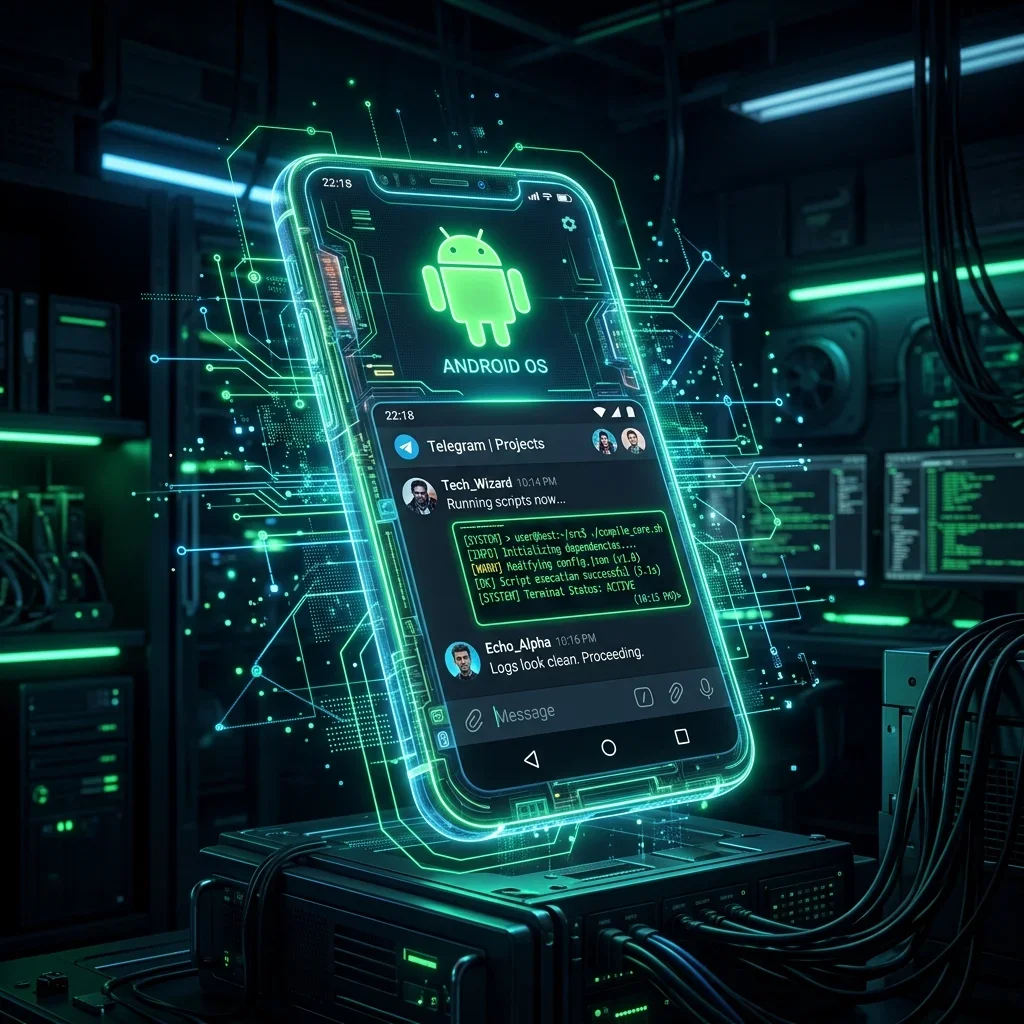
5dive solves this limitation. Written in TypeScript and Node.js, 5dive acts as a bridge. It runs on your local machine or a cloud VPS, instantiates Claude Code instances inside sandboxed processes, and exposes them to a Telegram Bot API. By adding the bot in Telegram, you can send messages to spawn Claude Code agent sessions, check progress, and instruct them to perform coding tasks on your repository.
Key Features of Running Claude Code via Telegram
- Multi-Agent Coordination: 5dive allows you to spawn multiple agent instances simultaneously. You can have one agent writing tests, another debugging an API endpoint, and a third generating documentation in separate directory contexts.
- Live Execution Logs: The bot streams command-line outputs and progress notifications directly to your chat window, keeping you updated on file edits, lint fixes, and test runs.
- Mobile Development: You can write code or fix bugs on your production server directly from your phone. Simply type a request like "Fix the division by zero error in views.py and run pytest" in your Telegram chat.
- Shortcode & Directory Integration: For developers looking for similar AI assistant bots, Telegram offers a vast ecosystem of technology bots. Below are the top verified tech listings currently active in our catalog:

Science in telegram
Channel
132,834
Science/Technology
Common
Join Group

Interesting Engineering ✔
Channel
71,058
Science/Technology
Common
Join Group
Science/Technology
Common
Join Group

Daily Life Hacks
Channel
44,715
Science/Technology
Common
Join Group

Data Science by ODS.ai 🦜
Channel
44,187
Science/Technology
Common
Join Group
Step-by-Step Installation and Setup Guide
To run 5dive, you will need Node.js installed, an active Anthropic API key, and a Telegram Bot token. Follow these steps to configure your environment:
1. Create a Telegram Bot
Open Telegram and search for @BotFather. Send the command /newbot and follow the prompts to choose a name and username. Save the HTTP API Token provided (e.g., 123456789:ABCdefGhIJK...).
2. Clone the 5dive Repository
Clone the open-source code from GitHub and install the dependencies:
git clone https://github.com/5dive-com/5dive.git
cd 5dive
npm install
3. Configure Environment Variables
Create a .env file in the root of the cloned directory and fill in your keys:
TELEGRAM_BOT_TOKEN=your_telegram_bot_token
ANTHROPIC_API_KEY=your_anthropic_api_key
ALLOWED_CHAT_IDS=your_private_telegram_chat_id
WORKSPACE_DIR=/path/to/your/codebase
Note: Setting `ALLOWED_CHAT_IDS` is critical. This prevents unauthorized users from finding and interacting with your bot to run commands on your host computer.
4. Start the 5dive Server
Launch the TypeScript runner to spin up the bridge:
npm run start
Now, message your bot in Telegram! You can start a session by typing /start and instruct Claude Code to begin working.
Local Terminal vs. Telegram-Based Agent Execution
While both environments run the same underlying Claude Code model, the interface changes how developers interact with their AI workflows:
Crucial Security and Sandbox Precautions
Granting an LLM agent terminal access via a messaging platform introduces serious security risks. If a malicious user gains access to your Telegram bot, they could execute commands, delete files, or read sensitive API credentials. Always enforce the following security layers:
- Strict Chat ID Filtering: Double-check that your
ALLOWED_CHAT_IDSconfig contains only your specific Telegram user ID. Test this by trying to interact with the bot from a different account; the bot should ignore all messages. - Read-Only Workspace Mounts: If you are testing agents on production or sensitive environments, run 5dive within a Docker container. Mount the workspace directory as read-only or limit the terminal commands the agent can run by restricting user permissions in the sandbox container.
- Review Agent Decisions: Avoid letting the bot automatically deploy changes to production without manual Git review. Use the bot to write code, test it locally, and push to a feature branch for your approval.
Frequently Asked Questions (FAQ)
Does 5dive run Claude Code locally or in the cloud?
5dive runs the Claude Code CLI on whichever host you deploy the 5dive server (e.g., your local developer computer or a VPS). The actual AI reasoning occurs via Anthropic's Claude API, but command execution and file edits are performed locally on the server.
Is 5dive secure to run on my main computer?
It is secure only if you strictly configure chat authorization. Without `ALLOWED_CHAT_IDS` defined, anyone who discovers your bot's username can send commands to run arbitrary shell scripts on your machine. Always lock down access.
Do I need to pay for Anthropic credits to use it?
Yes. Because 5dive invokes Claude Code under the hood, it consumes tokens from your Anthropic Developer API console. Make sure you set spending limits to prevent unexpected costs during loops.
Can I add other team members to the Telegram bot?
Yes, you can input a comma-separated list of Telegram Chat IDs in the `.env` configuration file to allow trusted team members to interact with the bot and collaborate on coding tasks.
How do I list my own Telegram bot on Telekit?
If you have built an AI bot or utility bot, visit our homepage and click "Submit Link". After verification by our QA team, your listing will be indexed in our directory to drive organic traffic.
Conclusion
The 5dive bridge represents a major step forward for mobile-first developer productivity. By combining the coding intelligence of Anthropic's Claude Code with the convenience of Telegram, you can debug issues, refactor functions, and manage background development tasks directly from your phone. Start hosting your own server today and experience the power of agentic development in a chat window!

No active reviews. Be the first to add one!